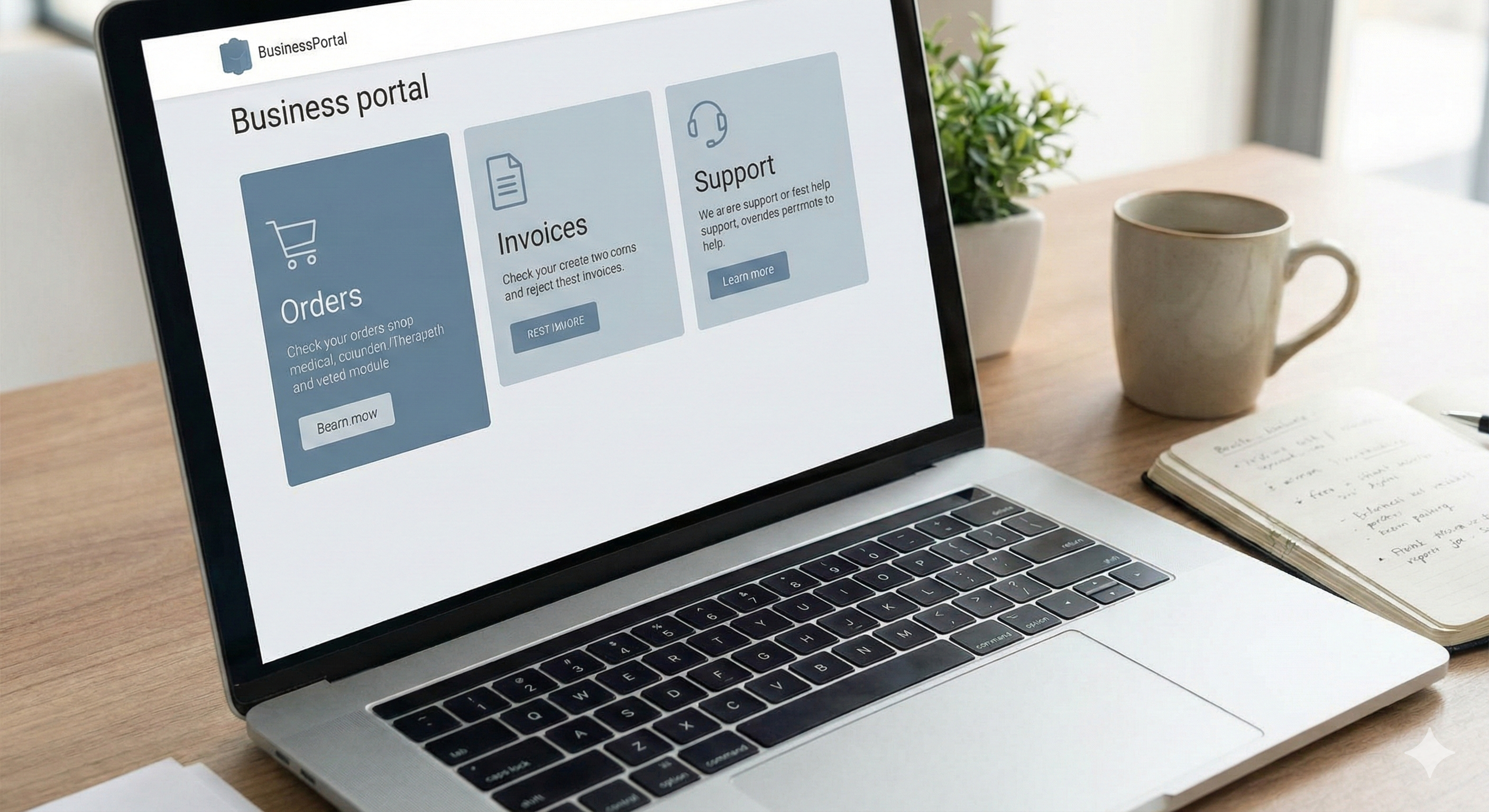
Self-service is no longer a "nice to have" in mid-market ERP environments. In 2026, customers, vendors, and partners expect to check order status, download invoices, submit claims, and update account details without waiting on email threads or phone queues. A NetSuite self service portal can deliver that experience, but only if it is set up around the right workflows, data boundaries, and security model.
This guide walks through a practical setup approach you can use whether you plan to stay fully native (Customer/Vendor/Partner Center), extend with SuiteCommerce, or add a modern portal layer on top of NetSuite.
What "setup" really means for a NetSuite self service portal
A portal is not just a UI. It is a product that sits on top of your ERP and must be designed like one.
A solid NetSuite self service portal setup typically includes:
- Jobs to be done (what users actually come to accomplish, not what your org chart says they should see)
- A permission model (roles, subsidiaries, customer hierarchies, and least-privilege access)
- A data exposure model (which records, fields, saved searches, and custom objects are safe and useful to surface)
- A front-end experience (simple navigation, branded flows, clear next actions)
- Integration and performance strategy (API choices, caching, search design, and observability)
- Success metrics (ticket deflection, DSO impact, cycle time, adoption)
If you want deeper context on whether to use NetSuite's built-in portal UI or upgrade beyond it, see DataOngoing's analysis of NetSuite's native portal tradeoffs.
Step 1: Define the portal's scope using "top tasks" and measurable outcomes
Before you touch configuration, align stakeholders on two things:
The top tasks (portal MVP)
For most mid-market teams, the first release should focus on high-volume, low-ambiguity workflows:
- Order and shipment visibility
- Invoice download and payment
- Returns (RMA) initiation and status
- Case submission and status tracking
- Vendor document exchange and confirmations (for procurement-heavy businesses)
The outcomes (how you will prove ROI)
Pick 3 to 5 metrics you can baseline today and improve after launch. Common examples:
- Ticket deflection rate (how many "where is my order" and "send invoice" requests disappear)
- Days sales outstanding (DSO) improvement (when AR self-service and payment links reduce friction)
- Order-to-cash cycle time (especially when approvals and exceptions move faster)
- Portal adoption (active users as a percentage of eligible accounts)
- Time-to-resolution for portal-submitted cases
This keeps the project out of "portal as a feature" territory and into "portal as an operational lever."
Step 2: Choose the right setup path (native, SuiteCommerce, custom, or portal layer)
NetSuite gives you multiple ways to deliver self-service. The right choice depends on whether your primary constraint is time, UI flexibility, licensing, or the need to expose custom records and workflows.
| Approach | Best for | Strengths | Watch-outs |
|---|---|---|---|
| Customer/Vendor/Partner Center (native) | Simple account access to standard records | Fast to enable, stays inside NetSuite security model | UX can feel "ERP-like," deeper customization can become developer-heavy |
| SuiteCommerce "My Account" | Commerce-forward experiences tied to orders and account management | Strong web experience, good for B2C/B2B commerce patterns | Added complexity and cost can be hard to justify for non-commerce portals |
| Custom portal (fully built) | Unique workflows, high-volume portals, branded experiences | Maximum UI/UX control, full feature flexibility | Product ownership tax: ongoing engineering, hosting, security, release management |
| Configurable portal layer (e.g., Portals by DataOngoing) | Mid-market teams that need modern UX without custom build overhead | Fast deployment, governed data access, configuration-driven | Requires integration design; not the same as a fully custom application |
NetSuite's official docs are a helpful reference point for understanding portal-related components like roles, permissions, and SuiteCloud customization. Start at the NetSuite Help Center and cross-check anything that affects security.
Step 3: Design identity and access first (this is where portals succeed or fail)
Most portal problems are not "front-end problems." They are access problems.
Your setup should answer these questions clearly:
Who is the user, and how do they authenticate?
Options typically include NetSuite-native login, SSO (common for partners), or an external identity provider if you are building a custom portal. Whatever you choose, you need consistent lifecycle management:
- Provisioning and deprovisioning
- Password and MFA policies
- Audit trails
- Support processes for access issues
What should each user be able to see and do?
In NetSuite terms, this usually maps to roles, permissions, subsidiaries, and entity relationships. Your NetSuite self service portal setup should implement least privilege:
- Only expose transactions and records required for the top tasks
- Restrict sensitive fields (pricing, margin, internal notes) even if the record is visible
- Validate access at the server layer, not just in the UI
How will you handle account hierarchies?
Many mid-market companies have parent-child customer structures, multi-ship-to models, and delegated admins at the customer side. Decide early:
- Whether a parent account can see child account orders and invoices
- Whether users can invite other users
- What "admin" means for an external customer or vendor
If you are actively evaluating the "do we need a portal?" question, this decision area is also a good indicator of complexity. DataOngoing's portal decision checklist is a useful companion.
Step 4: Define the data exposure model (records, searches, and custom objects)
A NetSuite self service portal setup requires you to explicitly define what data is safe, useful, and performant to serve.
Start with a "portal data contract"
Create a short document that lists:
- Records to expose (sales orders, invoices, item fulfillments, RMAs, cases)
- Fields allowed per record (and fields explicitly prohibited)
- Filters required for security (customer, subsidiary, status)
- Search and sorting requirements
- Data freshness requirements (real-time vs near-real-time)
This becomes your build spec and your test plan.
Treat custom records as first-class citizens
Many portal initiatives stall because the business needs are actually stored in custom records (entitlements, subscriptions, service visits, warranties, compliance documents). If your portal must expose custom objects, you need to verify early whether your chosen approach supports:
- Secure filtering by account
- Field-level restrictions
- Acceptable performance at scale
If you are hitting limitations in the native experience, DataOngoing has a detailed breakdown of common issues and remediation paths in NetSuite portal limitations and fixes.
Step 5: Build a tight MVP (and avoid "portal creep")
A good MVP is not "show everything." It is "complete the job to be done in under two minutes."
Here is a practical MVP scope many teams can ship and then expand:
| MVP module | User goal | Minimum features to include | Notes |
|---|---|---|---|
| Order status | Reduce WISMO inquiries | Order list, fulfillment status, tracking links | Ensure status language matches customer expectations |
| Invoices and payments | Reduce AR friction | Invoice list, PDF download, payment options/links | Validate what you can expose per account hierarchy |
| Returns (RMA) | Reduce support back-and-forth | Return request form, eligibility rules, status updates | Clear eligibility logic reduces both volume and frustration |
| Case/support | Centralize issue tracking | Case submission form, status page, basic SLA context | Avoid "black hole" portals by surfacing status updates |
| Account profile | Reduce admin requests | Contact info updates, address management, preferences | Keep it simple; this is often the lowest-effort, highest-adoption module |
Step 6: Configure and implement (by portal path)
Implementation details vary, but the setup sequence should stay consistent: security, data contract, then UI.
If you are using NetSuite Centers (native)
Focus on making the experience usable and safe:
- Tighten roles and permissions so users see only what they need
- Simplify forms and lists where possible (remove noise)
- Use saved searches strategically (they become your "views")
- Document how external users should request access and how your team provisions it
Native portals are often the fastest way to launch, but teams sometimes underestimate how quickly requirements expand once adoption increases.
If you are using SuiteCommerce My Account
Treat it like a customer experience program, not an ERP task:
- Align your account and order models with the commerce account experience
- Define what comes from NetSuite vs what is presented through a tailored UI
- Pay attention to performance and caching for high-traffic use cases
Oracle's SuiteCommerce documentation is a good starting point for platform capabilities.
If you are building a custom portal or adding a portal layer
A setup that scales usually includes:
- An API strategy (SuiteTalk REST, RESTlets, or middleware) designed around the portal data contract
- Server-side authorization checks for every request
- A caching strategy for read-heavy pages (orders, invoices)
- Centralized logging and monitoring so you can see failures before customers do
DataOngoing often helps mid-market teams implement portals as part of broader system integration and managed service programs. If you want an approach that emphasizes configuration and speed-to-value, see DataOngoing's perspective on IT services that scale with your ERP.
Step 7: Test like a security product (not just a web app)
Portals fail in production when teams only test the "happy path." Your test plan should include:
- Role-based testing across multiple real customer scenarios (parent, child, multiple ship-tos)
- Negative tests (confirm a user cannot access another account by changing IDs or URLs)
- Performance tests for list pages and search-heavy flows
- Regression tests after NetSuite releases or configuration changes
If your portal touches financial documents, treat this as a compliance and reputation risk, not just an IT risk.
Step 8: Roll out for adoption (the portal is only valuable if people use it)
Adoption is typically driven by two factors: removing friction and creating a reason to switch.
Practical rollout tactics that work:
- Invite a small pilot group of high-volume accounts first
- Put portal links directly in operational emails (invoice sent, order shipped)
- Add "next best actions" on landing pages (pay invoice, reorder, start return)
- Train internal teams to redirect requests into the portal workflow (with empathy)
Step 9: Instrument and optimize (your post-launch playbook)
Your NetSuite self service portal should get better every month, not every year. The simplest way is to track a small set of operational and experience KPIs.
A lightweight KPI framework:
| KPI | What it tells you | How to measure |
|---|---|---|
| Ticket deflection | Support savings | Compare ticket categories pre and post launch |
| DSO / payment lag | Cash impact | AR aging trends, time from invoice to payment |
| Task completion time | UX quality | Median time to download invoice, check status, submit case |
| Portal adoption | Reach | Active users per eligible accounts |
| Error rate | Reliability | API errors, failed searches, broken links, timeouts |
If NetSuite performance is a concern (especially for search-heavy portal pages), it is worth addressing early. DataOngoing's guide on speeding up a slow NetSuite UI includes practical levers that often apply to portal-adjacent workloads too.
Common setup pitfalls (and how to avoid them)
Treating the portal as "a screen" instead of a workflow
If you replicate NetSuite navigation externally, adoption will be low. Design around outcomes, not record types.
Overexposing data early
Start with the minimum set of fields and records. You can always add more, but taking access away after launch is painful.
Skipping hierarchy and delegated admin decisions
Customer hierarchies and user management become your top support drivers if you avoid them during setup.
No operational ownership
A portal needs an owner who can prioritize improvements, monitor KPIs, and coordinate changes across finance, ops, and IT.
Frequently Asked Questions
What is a NetSuite self service portal? A NetSuite self service portal is a customer, vendor, or partner-facing experience that lets external users complete tasks (order status, invoices, returns, cases) while NetSuite remains the system of record.
Can I build a self-service portal using only native NetSuite tools? Yes. Many teams start with NetSuite Customer Center, Vendor Center, or Partner Center. Native can work well for basic use cases, but UI and custom record exposure can become limiting as requirements grow.
What should I include in a portal MVP? A strong MVP usually includes order visibility, invoice download and payment, basic returns initiation, and case submission with status tracking. Start with top tasks that reduce tickets and AR friction.
How do I secure a NetSuite portal for external users? Use least-privilege roles, restrict field visibility, enforce account boundaries (including hierarchies), and validate authorization server-side for every request. Also test negative scenarios to prevent cross-account access.
How do I measure ROI from a NetSuite self service portal? Track ticket deflection, DSO improvement, order-to-cash cycle time, portal adoption, and error rate. Baseline before launch so you can quantify improvement after rollout.
Want a portal that drives measurable ROI (not just access)?
DataOngoing helps mid-market companies design and implement NetSuite self service portal experiences that reduce support load, accelerate cash, and improve customer and vendor operations, with a managed service approach focused on measurable outcomes.
If you are planning your portal setup (or trying to fix a portal that is not getting adoption), schedule a working session to discuss scope, architecture, and an MVP rollout plan.
DataOngoing Team
Technology Consulting Experts
DataOngoing helps mid-market companies achieve measurable ROI through AI automation, ERP expertise, and digital transformation.